
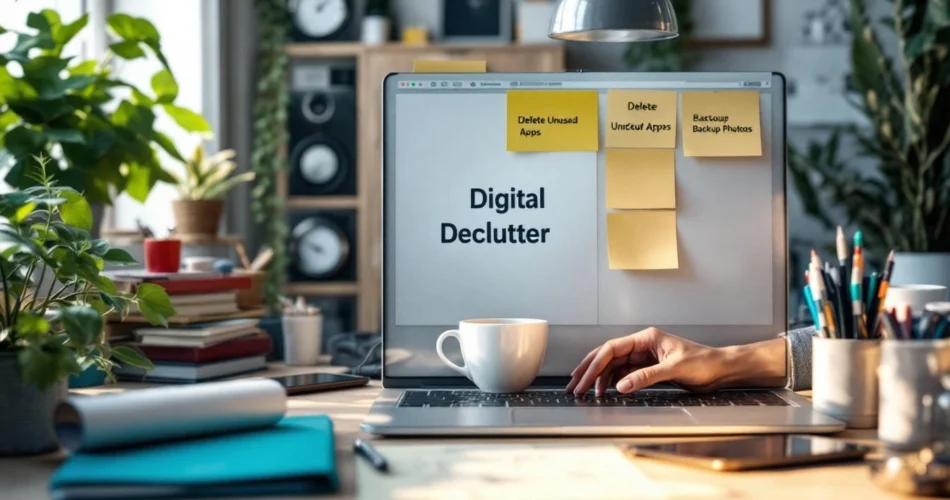
Your phone buzzes nonstop. Your inbox shows thousands of unread emails. Your desktop is a chaotic mix of screenshots, half-finished documents, and downloads you barely remember saving. If this sounds familiar, you’re not alone. Digital overload has quietly become one of the biggest sources of modern stress. A Digital declutter isn’t just about tidying files—it’s about reclaiming your attention, reducing mental noise, and creating a calmer digital environment that actually supports your life. In this guide, you’ll learn practical, step-by-step ways to declutter your digital life, simplify your devices, and build habits that keep digital clutter from piling up again.
Table of Contents
- Assess Your Digital Clutter
- Declutter Your Devices and Files
- Organize Emails, Apps, and Notifications
- Manage Digital Photos and Cloud Storage
- Create Sustainable Digital Declutter Habits
Assess Your Digital Clutter
Before deleting anything, you need clarity. A successful Digital declutter starts with awareness of where your digital chaos actually lives.
Identify Digital Pain Points
Notice which areas stress you out the most:
- An overflowing email inbox
- A cluttered desktop or downloads folder
- Dozens of unused apps on your phone
- Disorganized cloud storage
These pain points drain your focus daily, often without you realizing it.
Prioritize What Needs Attention First
You don’t need to tackle everything at once. Choose one high-impact area—like your inbox or phone apps—to start. Quick wins build momentum.
Set Clear Digital Declutter Goals
Decide what success looks like. Is it faster file access, fewer notifications, or better mental clarity? Align your goals with your lifestyle and productivity needs. For deeper mindset shifts, explore Digital Minimalism Basics.
Declutter Your Devices and Files
Your devices should support your work and life—not slow you down.
Organize Files and Folders Efficiently
Use simple, logical folder structures. Name files consistently using dates or project titles. Avoid overcomplicating your system—clarity beats creativity.
Delete or Archive Unused Files
Outdated documents and duplicate files quietly eat up space and attention. Archive what you may need later and delete the rest. When unsure, back it up externally before removing it.
Clean Up Desktop and Downloads Folder
Your desktop shouldn’t be a storage unit. Keep only current projects visible. For proven strategies, check Harvard Business Review’s digital organization tips.
Organize Emails, Apps, and Notifications
This is where distractions multiply fastest—and where a Digital declutter delivers immediate relief.
Inbox Zero and Email Filtering
Unsubscribe aggressively. Use folders, labels, and filters to automate sorting. Inbox Zero isn’t about perfection; it’s about reducing decision fatigue.
Remove Unused Apps and Software
If you haven’t used an app in 90 days, you probably don’t need it. Removing unused apps improves device performance and mental clarity. More ideas live in our Productivity Tools Guide.
Control Notifications and Alerts
Notifications hijack focus. Turn off non-essential alerts and batch-check apps at scheduled times. Your attention is valuable—protect it.
Manage Digital Photos and Cloud Storage
Photos and cloud files silently create massive digital clutter.
Sort, Delete, and Backup Photos Regularly
Keep meaningful photos. Delete blurry duplicates and screenshots. Create albums by year or event to simplify browsing.
Optimize Cloud Storage Usage
Review what’s actually stored in the cloud. Decide whether free storage meets your needs or if paid plans are justified. Use tips from Google Cloud Storage to stay efficient.
Create a Simple Backup System
A reliable backup system gives you confidence to delete fearlessly. One local backup and one cloud backup is usually enough.
Create Sustainable Digital Declutter Habits
Decluttering once isn’t enough—habits keep clutter away.
Schedule Regular Digital Cleanups
Set 15–30 minutes weekly or monthly. Small, consistent sessions prevent overwhelm.
Practice Mindful Digital Consumption
Download intentionally. Question every new app, file, or subscription. This mindset shift is central to digital minimalism.
Tools That Support a Digital Declutter Lifestyle
Password managers, automation tools, and note systems reduce clutter when used thoughtfully. Learn how to sustain progress in Building Better Digital Habits.
Frequently Asked Questions
What is a Digital declutter and why is it important?
A Digital declutter is the process of removing unnecessary digital items to reduce stress, improve focus, and increase productivity.
How often should I declutter my digital life?
Light cleanups weekly or monthly are ideal, with deeper reviews every few months.
What tools can help with Digital decluttering?
Email filters, file management apps, cloud storage tools, and automation software all help simplify your digital environment.
Can a Digital declutter really reduce stress and improve focus?
Yes. Fewer digital distractions lead to clearer thinking, faster decisions, and lower mental fatigue.
Should I follow digital minimalism principles?
If you value focus and intentional technology use, digital minimalism complements a Digital declutter perfectly.
Conclusion
A thoughtful Digital declutter transforms more than your devices—it changes how you think, work, and rest. By simplifying files, controlling notifications, and building sustainable habits, you create space for focus and calm in a noisy digital world. Start small, stay consistent, and remember that progress matters more than perfection. Choose one area today and begin decluttering your digital life—you’ll feel the difference faster than you expect.