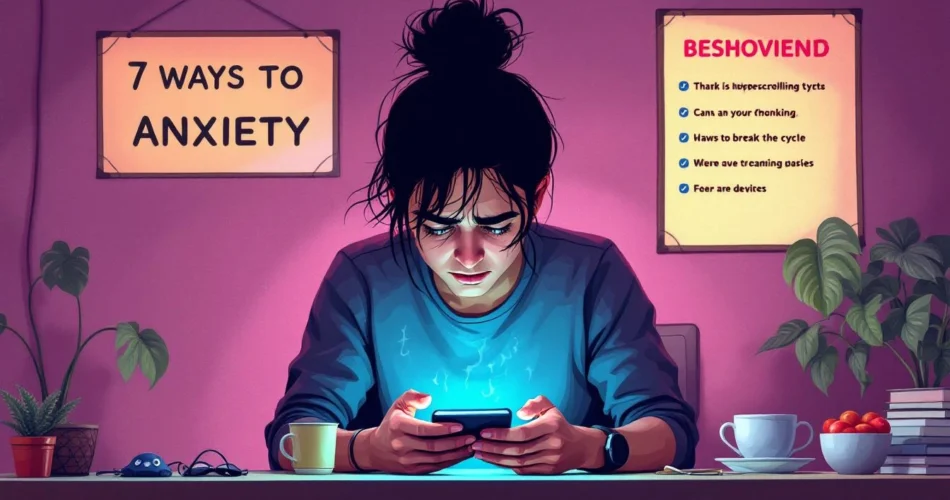
Doomscrolling causes anxiety, and if you’ve ever found yourself glued to an endless feed of bad news, you already know how overwhelming it can feel. In a world where negative headlines spread faster than positive ones, it’s easy to fall into a cycle of compulsive scrolling that heightens fear, worry, and stress. This article explores why doomscrolling has become so common, how it fuels doomscrolling anxiety, and—most importantly—seven practical ways to break the toxic pattern so you can reclaim your peace of mind.
Table of Contents
- What Is Doomscrolling and Why It Causes Anxiety
- The Psychological Triggers Behind Doomscrolling
- How Doomscrolling Impacts Mental and Physical Health
- 7 Ways to Break the Toxic Doomscrolling Cycle
- When to Seek Professional Help
- FAQs
- Conclusion
What Is Doomscrolling and Why It Causes Anxiety
Definition of Doomscrolling
Doomscrolling refers to the compulsive habit of consuming endless streams of negative or distressing news online. Unlike regular browsing, this behavior pulls you into a loop where each new headline feels urgent, prompting you to keep scrolling even when it heightens your stress.
How Doomscrolling Feeds Doomscrolling Anxiety
Constant exposure to alarming content triggers emotional exhaustion and increases your stress levels. Research shows that repeated negative news consumption can amplify fear, catastrophizing, and anxious thinking. For further insight, check this external reference: American Psychological Association.
Why Our Brains Seek Negative Content
Your brain is wired to prioritize threats—a survival mechanism known as negativity bias. This instinct makes negative headlines more attention‑grabbing. Related topics on digital habits can be found here: #internal-link.

The Psychological Triggers Behind Doomscrolling
Fear of Missing Out (FOMO)
The fear of missing important updates—especially during uncertain times—can make you feel obligated to stay constantly informed. This creates a cycle where the more you check, the more anxious you become.
Negativity Bias in the Brain
Your brain naturally reacts more strongly to bad news than good news. This bias makes negative stories feel more urgent, prompting compulsive checking behaviors. Learn more about negativity bias here: Mayo Clinic.
Algorithmic Reinforcement
Social media algorithms reward engagement by showing you more of what you linger on. If you interact with negative content, platforms will continue feeding you similar posts. Read more about algorithm influence here: #internal-link.
How Doomscrolling Impacts Mental and Physical Health
Anxiety and Stress Response
Doomscrolling causes anxiety by triggering the body’s stress response system. Cortisol spikes when you’re exposed to distressing information, which increases tension, mental fatigue, and irritability.
Sleep Disruption
Consuming negative content late at night can overstimulate your mind and make it harder to fall asleep. The blue light from screens disrupts melatonin production as well. Learn more at Sleep Foundation.
Physical Symptoms of Doomscrolling Anxiety
Beyond mental strain, doomscrolling can lead to physical issues such as headaches, tight muscles, and fatigue. For more resources on mental health, visit: #internal-link.
7 Ways to Break the Toxic Doomscrolling Cycle
1. Set Time Limits for News Consumption
Schedule specific periods—such as 15 minutes in the morning and evening—for checking the news. Avoid filling every free moment with scrolling.
2. Create a Healthier Digital Environment
Unfollow accounts that trigger fear or stress. Replace them with positive, educational, or uplifting creators.
3. Practice Mindfulness and Grounding Techniques
Deep breathing and grounding exercises help reduce immediate anxiety triggered by negative content. Explore techniques from APA Mindfulness.
4. Replace Doomscrolling With Healthier Habits
Try hobbies such as journaling, reading, walking, or cooking. Offline activities help reset your nervous system.
5. Use Digital Well‑Being Tools
Screen‑time apps and productivity tools can remind you to take breaks and set healthy digital limits.
6. Curate Your News Sources Mindfully
Choose reliable outlets and avoid sensationalized content. Balanced reporting reduces unnecessary stress.
7. Set Clear Bedtime Boundaries
Turn off devices at least one hour before bed. Establish a calming nighttime routine. Read more about sleep hygiene here: #internal-link.
When to Seek Professional Help
Signs That Doomscrolling Anxiety Is Serious
If you experience persistent anxiety, sleep problems, loss of focus, or overwhelming fear, it may be time to seek help.
Types of Support Available
Therapy, online counseling, and cognitive‑behavioral therapy are effective options. Explore mental health support at: Mayo Clinic.
How to Talk to a Mental Health Professional
Be honest about your digital habits, the amount of time you spend scrolling, and how the content affects your emotions.
Frequently Asked Questions
What is doomscrolling and why does it cause anxiety?
Doomscrolling causes anxiety by overwhelming your brain with nonstop negative information, triggering stress responses and anxious thinking patterns.
How do I know if doomscrolling is affecting my mental health?
If you feel tense, worried, or mentally drained after scrolling—or if it disrupts your sleep—your mental well‑being may be impacted.
What is the fastest way to stop doomscrolling anxiety?
Set immediate time limits and replace scrolling with grounding exercises or offline activities.
Why does negative news feel more addictive?
Your brain prioritizes threats, so negative content grabs attention more quickly than positive updates.
How can I create healthier digital boundaries?
Use screen‑time tools, set phone‑free periods, and curate your social media feeds to reduce stress triggers.
Conclusion
Doomscrolling causes anxiety, but you have the power to break the cycle. By setting boundaries, curating your digital space, and embracing healthier habits, you can protect your mental well‑being and regain control of your online experience. Start with one small change today—your mind will thank you. For more guidance, explore our resources on digital well‑being and mindfulness at #internal-link.